


Updated June 2026
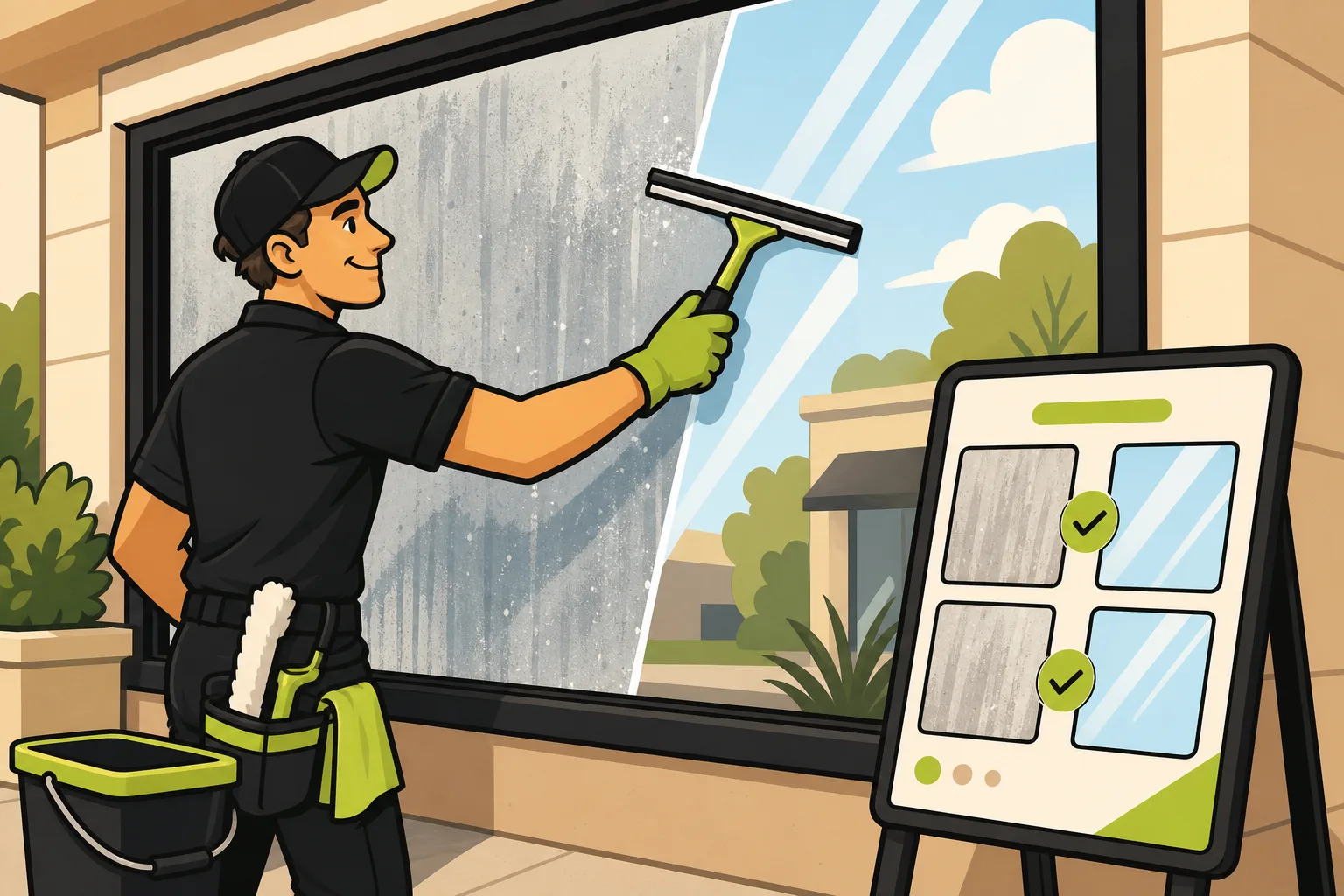
Before-and-after photos are the most powerful page on a window cleaning website. Clean glass is instantly legible visual proof — no caption needed, no testimonial required. A visitor who sees the transformation has already answered their own question before filling out a quote form. Most competitors don't have this page. That's the opportunity. This is based on GrowLocal's proprietary research into top-ranking local business websites.
Why do before-and-after photos work so well for window cleaning?
Most trades have an invisible-work problem. A plumber fixes a pipe behind the wall. An electrician rewires a panel in the attic. The customer has to take it on faith.
Window cleaning is different. The result is completely visible. A grimy, streaked window next to a sparkling clean one tells the whole story in one glance. That's why before-and-after galleries convert so well in this trade — the format works better here than in almost any other category.
Across GrowLocal's proprietary local-business website research, before/after photography is a high-performing section across transformation categories — painting, flooring, carpet cleaning, pressure washing — yet absent on most competitor sites where it would be highly effective. Window cleaning has the same gap.
In our research into top-ranking window cleaning sites specifically, before-and-after galleries are the highest-converting visual format in the category — yet they're used by a minority of analyzed competitors. Most window cleaning websites have a services page, a contact form, and a paragraph of copy. Sites with a real gallery stand out immediately.
Key takeaway: Before-and-after galleries are the highest-converting visual feature on a window cleaning website — and most competitors don't have them. A gallery section turns "I'll think about it" into a quote request because it answers the buyer's core question visually, before they have to trust you at all.
What does a high-converting window cleaning gallery actually include?
A gallery that converts isn't just a collection of clean windows. It tells a complete story.
What to include in each before/after pair:
- The exterior glass — front-lit, ideally in morning light, showing the contrast between dirty and clean
- Interior view — confirms both sides were cleaned, which most homeowners care about
- Sills, frames, and screens — the details that separate a real professional clean from a mediocre one; dirty screens reinstalled on clean glass look wrong and customers notice
- Close-up of problem areas — hard water stains, mineral deposits, and construction film are the hardest things to remove; showing them in the "before" and gone in the "after" signals expertise
- A caption — one line: the type of glass, the issue, the method used ("Exterior second-story glass, hard water stain removal, pure water-fed pole")
Five genuinely different scenarios — new construction debris, seasonal pollen, hard water deposits, commercial storefront, second-story residential — outperform 20 near-identical clean-window shots.
How do you photograph windows before and after cleaning?
This is the most practical question, and it has a short answer: light is everything.
Six steps for photos that actually show the difference:
- Shoot "before" photos first, before any tools come out. The contrast disappears if you wait.
- Shoot in shade, not direct sun. Midday glare hides streaks and residue in photos even when the glass clearly needs work. Early morning or overcast light shows the buildup honestly.
- Remove screens before the "after" shot. Screens reduce light transmission by up to 30% and photograph as a faint haze — your clean glass looks dull if you leave them in.
- Match the angle exactly. The "before" and "after" should be from the same position, same distance, same framing. Even a small shift undercuts the visual comparison.
- Show the whole window, not a crop. Cropped "after" photos look like you're hiding the edges where the seal or frame is still dirty.
- Don't edit the photos to add brightness. The real transformation is impressive enough; artificially brightened "after" photos look fake and undermine trust.
A phone camera works fine. What matters is consistent angle, consistent lighting, and shooting immediately before and after — not days later when dust has resettled.
Should you use a slider, a grid, or both on your website?
| Format | Best for | Engagement | Mobile performance |
|---|---|---|---|
| Interactive slider | One dramatic transformation (hero gallery section) | Highest — visitors drag to control the reveal | Good if the photo loads fast |
| Side-by-side grid | Showing multiple job types at once | Strong — easy to scan | Excellent |
| Single panel (before/after labeled) | Blog posts, service pages | Moderate | Excellent |
| Combined: slider hero + grid below | A dedicated gallery page | Highest overall | Good with optimized images |
The slider works best for one dramatic transformation — a heavily soiled commercial storefront, a home with years of hard water buildup. The visitor drags the divider to control the reveal, which keeps them on the page longer.
The grid is better for showcasing range: different window types, contamination levels, interior vs. exterior. If a homeowner is considering you for specialty glass, a grid that shows you've handled it builds more confidence than a single dramatic slider.
For most sites: slider for the most dramatic transformation at the top, grid of 6–12 pairs below. Keep image files small — a slow gallery is worse than no gallery.
For a complete breakdown of what your window cleaning website needs beyond the gallery, see our window cleaning website checklist.
How does a gallery connect to getting more quote requests?
The gallery doesn't work alone. It works as part of a sequence: trust, then action.
In our research into top-ranking window cleaning sites, "Get a Free Estimate" or "Request a Free Quote" is the dominant primary CTA — 5 of 6 analyzed sites use quote framing, not "Book Now" language. Window cleaning is quote-first: buyers need a price before they commit, and job scope varies by home size, story count, and window type.
The gallery's job is to move the visitor from "maybe I should get my windows cleaned" to "I need a quote from this company." That's the only handoff it needs to complete.
Place the quote form:
- On the gallery page itself — no navigation required after seeing the transformation
- In the sticky header — visible as they scroll through photos
- In the hero section — for visitors who already know they want a quote and just need reassurance
What the gallery does NOT need to do: convince someone to book online, process a payment, or show pricing. 92% of local business websites hide pricing entirely — across GrowLocal's proprietary research into 237 sites across 28 categories — and window cleaning follows this pattern. The gallery pre-sells the quality; the quote form captures the lead; the owner closes the sale. If you display your Google review count as text in your trust block, that adds a credibility layer the gallery reinforces.
Can before-and-after photos help word-of-mouth referrals too?
Yes — and this is the angle most window cleaning content entirely misses.
Neighbors notice clean windows. That's a literal buying trigger in this trade. Someone sees their neighbor's home after a professional clean and asks: "Who did your windows?" The referral is warm — but it still needs to convert online.
A gallery closes that loop. The neighbor Googles your company name, lands on your site, and the gallery confirms visually that the quality matches what they saw in person. The gallery converts the warm referral into a quote request.
This compounds: good work → referral → gallery confirms quality → quote request → more good work. Including jobs from recognizable neighborhood types — older colonials, new construction, commercial storefronts — makes local visitors think "they've done exactly this before."
For what makes a window cleaning website win local customers, see our window cleaning website guide at GrowLocal — or browse our local business website hub to see what works across service categories. Still on the fence? See Is a Website Worth It for a Window Cleaner? — the gallery is a big part of the answer.
Common Questions About Window Cleaning Galleries
Do before-and-after photos actually get more quote requests?
Visual proof reduces buyer hesitation — the visitor no longer has to imagine what "professional" means. In our research, window cleaning sites with a before/after gallery are among the strongest at converting browsers to quote requests. The gallery answers the buyer's core question — "can you actually make a difference?" — before they've trusted anything you've written.
How many before-and-after photos do I need on my website?
Start with six to twelve pairs covering different job types: residential exterior, interior, hard water removal, commercial glass, and at least one second-story job. Variety beats volume — five genuinely different scenarios outperform twenty nearly identical shots. Add new pairs after any unusual or high-end job.
What if I don't have professional photography equipment?
A modern smartphone works fine. What matters is consistent angle, good natural light (early morning, never direct midday glare), and shooting before and after from the exact same position. Remove screens for the "after" shot — they add a visible haze that undersells the clean result.
Should my gallery page also have a quote form?
Yes. The gallery is the trust-builder; the form is the conversion action. Place the quote form on the same page — in the sticky header, after the slider, or at the bottom of the grid — so visitors can act at peak interest. Don't force them to navigate to a separate contact page after seeing a transformation that impressed them.
Does a before-and-after gallery help with Google rankings?
A gallery page adds content depth and keeps visitors on your site longer — both positive signals for search. Labeling photos with descriptive alt text (the contamination type, the method, the general location) adds keyword context. A dedicated gallery page also gives you a meaningful internal link target from your service pages and homepage. See GrowLocal's window cleaning website page for more on how site structure supports local search visibility.
Is online booking the right CTA for a window cleaning site?
Not usually. Window cleaning is a quote-first trade — scope, story count, and window type all affect the price, so buyers expect an estimate before committing. Across our research, "Get a Free Estimate" or "Request a Free Quote" is the dominant primary CTA. A quote/contact form is the correct conversion action. If you want live scheduling, Jobber and HouseCall Pro are the tools window cleaning businesses typically use — but the first goal is capturing the lead with a form.