


Updated June 2026
Florists already have the most photogenic product on Main Street. Instagram rewards exactly that — but only when arrangements, seasonal drops, and wedding work get posted consistently, with captions that point back to your ordering page. AI-assisted scheduling means every bouquet you build can become a scheduled post before the next customer walks in.
Based on GrowLocal's proprietary research into top-ranking local business websites.
The problem most flower shops hit: the busiest posting days are Mother's Day, Valentine's Day, and every Friday before a wedding — the exact days you have zero time to open your phone. This guide covers how to build a florist Instagram strategy that runs even when you're elbow-deep in peonies.
Does Instagram actually drive flower orders?
Yes — and florists are better positioned than almost any other local business to benefit from it. Flowers are bought for occasions (birthdays, anniversaries, sympathy, weddings), and Instagram is where those occasions live. A well-timed Reel of a bridal bouquet being assembled appears in searches, hits the Explore tab, and lands in front of brides who haven't found a florist yet.
The strongest florist websites we analyzed had one pattern in common: their Instagram feed and their website product grid told the same story. Same seasonal arrangements, same pricing range, same call to action. The shops where social drove real orders closed that loop — Instagram showed the work, a link in bio went straight to the ordering page.
What types of content work best for a flower shop on Instagram?
Three content types consistently outperform everything else for local florists:
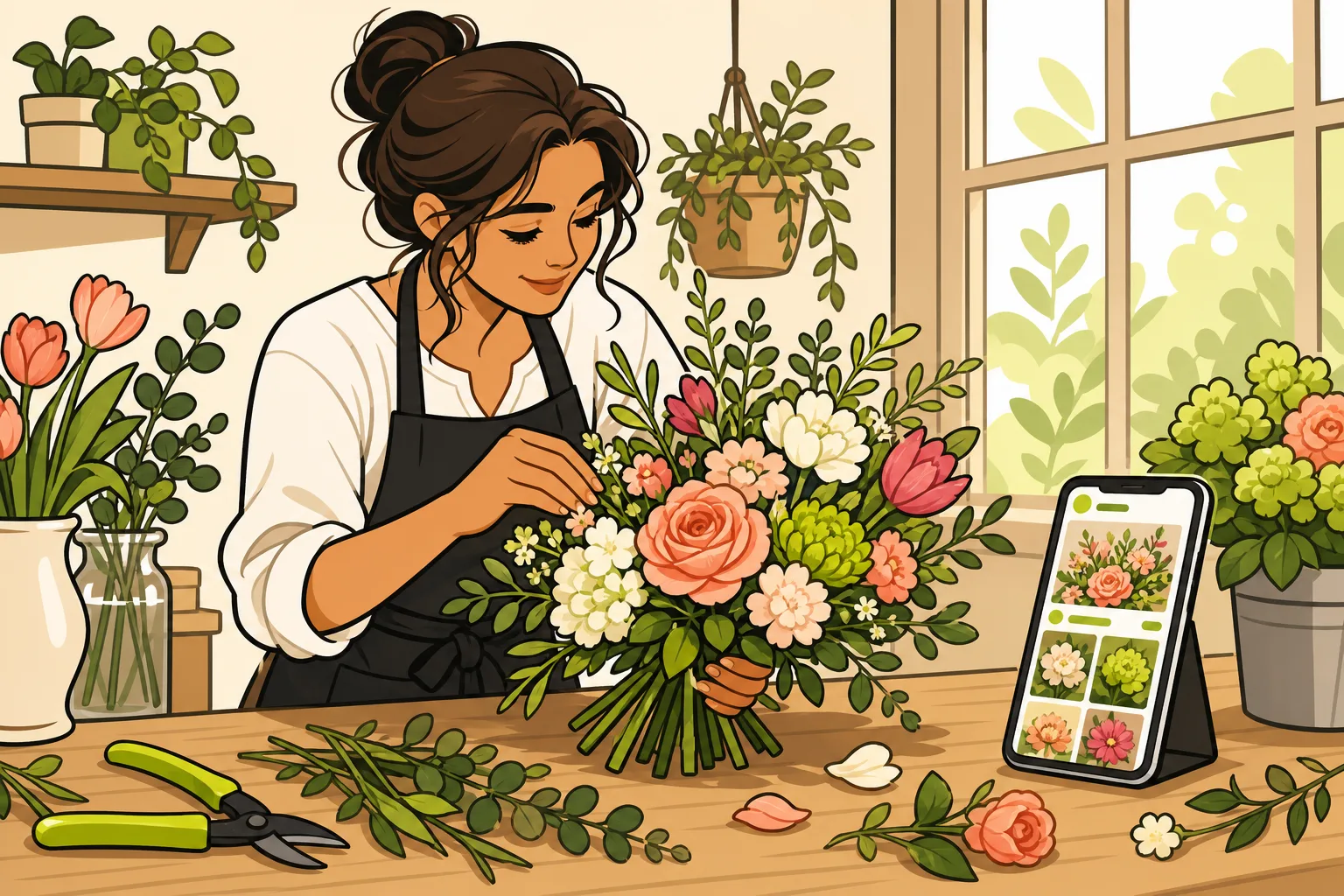
- Process videos (Reels) — arranging a bouquet from bare stems to finished work. Flowers arranged on camera are genuinely satisfying to watch. No professional equipment needed; a phone propped on a shelf and decent natural light is enough.
- Occasion-anchored feed posts — a photo of an anniversary arrangement posted Tuesday gets searched by someone looking for ideas on Friday. Caption should name the occasion, include your city, and include an ordering link.
- Behind-the-scenes Stories — early morning at the market, the cooler after delivery, a wedding setup. Stories keep your shop visible in followers' feeds on days you aren't posting grid content.
What doesn't work: posting the same "Happy Mother's Day!" graphic every year with no flowers in it. Your inventory is the content. Lean on it.
How often should a florist post on Instagram?
Three to five feed posts per week is the practical target for an independent flower shop. Daily Stories are ideal but not required. The more realistic constraint is caption quality, not photo volume — every post should include your city, the occasion, and a path to ordering.
| Format | Frequency target | Primary goal |
|---|---|---|
| Reels (process/arrangement videos) | 2–3 per week | Reach new local buyers |
| Feed posts (finished arrangements) | 3–5 per week | Build proof, style, range |
| Stories (behind-the-scenes, polls) | Daily when possible | Stay warm in followers' feeds |
| Seasonal drops / event previews | Around each peak occasion | Drive same-occasion orders |
The gap most florists face: posting consistently when orders are slow, and posting at all when orders are busy. Scheduling tools close that gap — posts drafted Monday can go live Saturday without anyone touching a phone.
How do you write Instagram captions that actually get flower orders?
The caption is where Instagram posts convert — or don't. A photo of a stunning arrangement with the caption "💐" is a missed opportunity. A caption that names the arrangement type, states same-day delivery, links to your ordering page, and names your city will outperform it every time.
Strong florist caption formula:
- Name the occasion or arrangement ("custom anniversary bouquet, ranunculus and garden roses")
- Local delivery hook ("same-day delivery available in [City], order by 10am")
- Direct path to order ("link in bio → order now")
- 3–5 hashtags, including your city (#[City]Florist, #[City]Flowers) plus occasion tags (#AnniversaryFlowers, #WeddingFlorist)
Captions don't need to be long. They need to answer: what is this, who is it for, how do I get one?
Key takeaway: Across GrowLocal's proprietary local-business website research, Instagram feed integration was most common among florists, hair salons, and tattoo studios — the categories where the work is the marketing (N=60+ categories). Florists who link their social directly to a product page see the shortest path from discovery to order.
What's the biggest Instagram mistake florists make?
Treating social media and the website as separate efforts. The most effective florist Instagram accounts funnel every post toward one place: the shop's ordering page. When a Reel gets shared, someone taps the link in bio, and they land on a product grid with visible pricing and a clear "Order Now" button — the conversion path is complete. Shops that miss this post beautifully but link to a homepage with no pricing or no delivery information. The follower who wanted to order gives up.
GrowLocal florist websites are built with fast static hosting and product grids that load immediately — so the click from Instagram doesn't land on a blank screen. Pricing shown openly, same-day delivery messaging above the fold, mobile-fast by default. That's the backend half of an Instagram strategy that actually closes.
How does AI help with florist Instagram posting?
AI handles the part that actually breaks posting consistency: writing the captions. A florist who photographs five arrangements on Monday can have five captions drafted, reviewed, and scheduled before noon — tied to the right occasion, the right season, the right ordering link.
GrowLocal's social posting is built to work exactly this way: AI-drafted captions grounded in your brand and category-level research, scheduled across Instagram, Facebook, Pinterest, and six more channels, with you approving before anything publishes. It is a separate service from the website subscription, it is not included in the site price, and it is not publicly available yet. The website itself is free to build and preview, then hosting starts at $5/month when you launch.
The AI draws on your shop's voice, the category patterns behind your industry, and the occasion calendar. It doesn't run ads or track engagement — it handles publishing so you can handle flowers. See how social media management pricing compares or review posting schedules for local businesses to plan the calendar yourself.
Which social platforms matter most for florists beyond Instagram?
Instagram is the lead channel for florists — visual, occasion-driven, and local-discovery-friendly. But two others earn their place:
- Pinterest — where wedding planning happens. Bridal bouquets, centerpiece inspiration, and seasonal arrangements get pinned and re-pinned for months. A Pinterest post has a longer shelf life than an Instagram feed post.
- Facebook — where your existing loyal customers are. Mother's Day promotions, local delivery reminders, and seasonal drops still land well with a local audience on Facebook, especially for shops with heritage or community roots.
Across our research into top-ranking local business websites, Instagram feed embeds were present on florist sites more consistently than in almost any other retail category — confirming that the best operators treat their social feed and their website as a single system, not two separate efforts. GrowLocal's social posting is built for nine channels total (including TikTok, X, LinkedIn, YouTube, Threads, and Bluesky) — a separate service from the website subscription that hasn't opened to customers yet — but Instagram + Pinterest + Facebook is the right starting point for most flower shops either way.
What should be in a florist's Instagram bio?
Five things, in order of importance:
- What you are and where you are ("Independent flower shop in [City]")
- What you deliver and when ("Same-day delivery available, order by 10am")
- Your differentiator in one line ("Real local florist — never FTD or 1-800-Flowers")
- Link to your ordering page — not your homepage, your shop
- Your phone number for grief and urgent buyers who want to call
The bio is your Instagram homepage. Every post you publish sends traffic there — make the next step impossible to miss. See how AI social media tools compare to done-for-you services if you're still deciding how to handle posting.
GrowLocal builds florist websites that close the loop: fast product grids, visible pricing, and mobile-first load times. It's $0 to build and preview, then hosting starts at $5/month when you launch — your exact rate depends mostly on the working features in your finished site. Explore all local business website packages or go straight to the florist website package.
Frequently Asked Questions
How many times a week should a florist post on Instagram?
Three to five feed posts per week is the practical target for an independent flower shop. Daily Stories help keep your shop visible between grid posts. Consistency beats frequency — a shop posting three quality arrangement photos per week with ordering links will outperform one that posts daily with no caption strategy.
What should a florist post on Instagram?
Finished arrangements tied to a specific occasion, process Reels showing the arranging work, behind-the-scenes Stories from the cooler or market run, and seasonal drops as they become available. Your inventory is the content — the strongest posts name the arrangement, the occasion, your city, and include a path to order.
Do florists need a website if they have Instagram?
Yes. Across our proprietary local-business website research, real product photography with visible pricing was present on 100% of top-ranking florist competitor sites — none relied on Instagram alone. Social channels are discovery; the website closes the order. A product grid with visible pricing and a same-day delivery promise converts the click from Instagram; a homepage with no pricing does not.
Can AI write Instagram captions for a florist?
Yes, and it handles the consistency problem well. AI drafts captions grounded in your shop's voice, the occasion, and your ordering information — so a week of posts can be written and scheduled in an hour. GrowLocal's AI caption writing and multi-channel scheduling belong to a separate back-office service that isn't on sale to customers yet — the website subscription (hosting from $5/month) doesn't include it.
How does GrowLocal's social posting work for florists?
GrowLocal's social posting is built to schedule and publish to nine channels — Instagram, Facebook, Pinterest, X, TikTok, LinkedIn, YouTube, Threads, and Bluesky — with every draft reviewable before it goes live. It is a separate service from the website subscription, it is not part of the site price, and it is not publicly available yet, so ask us where it stands. The florist website itself starts at $5/month once you launch, and it's free to build and preview.
What makes a florist Instagram account actually drive orders?
The link between post and ordering page. Every Reel and feed post should point to a product grid with visible pricing, a stated delivery window, and a mobile-fast load time. Shops that convert social traffic close that loop. The ones that don't have beautiful feeds and nothing to show for it.
Is Pinterest worth it for a florist?
Yes, especially for wedding work and seasonal arrangements. Pinterest has a longer content shelf life than Instagram — a bridal bouquet photo can surface in searches months after it was pinned. Florists with a strong wedding sub-funnel should treat Pinterest as a parallel channel to Instagram, not an afterthought.