


Updated June 2026
A swim school website checklist has nine items — and the four that actually move enrollment are ones generic templates never mention. Parents check credential badges before they read class descriptions. They look for programs by their child's age, not skill level. If the CTA says "Contact Us" instead of "Enroll Now," a meaningful share of ready-to-book families never reach the schedule page.
This checklist is built from GrowLocal's proprietary research into top-ranking local business websites including independent swim schools across Austin, Denver, and Nashville. Every item connects to a real conversion gap — not a generic web design principle.
What pages does a swim school website actually need?
The baseline is six pages. More is fine; fewer will cost you.
| Page | What It Must Do |
|---|---|
| Homepage | Hero with "Enroll Now" CTA, age-group program cards, credential badges, testimonials |
| Programs (by age) | One page or section per age tier: Parent & Me, Toddler, Pre-K, Child, Teen, Adult |
| About / Instructors | Named methodology, instructor credentials, years in business |
| Schedule / FAQ | Interactive class finder OR clear session schedule + answers to high-anxiety questions |
| Contact | Phone number in the header — not just the footer |
| Blog | Water safety + child development content (SEO and parent trust play) |
Service sub-pages for specific age groups are where independent schools gain a real search edge. A page titled "Toddler Swim Lessons" captures parents who searched that exact phrase. A single catch-all "Programs" page does not.
Key takeaway: Across our research into top-ranking local business websites, independent swim schools that organize programs by the child's age group — Parent & Me, Toddler, Pre-K, Child — consistently outperform those that organize by skill tier (Beginner, Intermediate, Advanced). Parents search for "my 4-year-old," not "beginner swimmer."
Does a swim school website need to show pricing?
It is a genuine toss-up. The strongest independent school sites handle it both ways. Showing monthly rate tiers ($120–$250/month) answers the most common comparison question without a call. Hiding pricing encourages a call or evaluation visit, which closes at higher rates.
What matters more than the pricing decision: the free evaluation offer. Across our research into top-ranking swim school sites, the free introductory evaluation — a low-commitment first visit before full enrollment — is the highest-converting lead-generation offer in the category.
If you hide pricing, offer the free eval prominently. If you show pricing, link the evaluation as the first step. Either path works; neither path without an offer does.
Which trust signals do swim school parents actually check?
Parents evaluating swim schools are performing a safety decision, not a leisure purchase. The trust stack matters more here than in almost any other local service category.
Credentials that belong near (not below) the enrollment CTA:
- USSSA (US Swim School Association) — industry membership signal, validates business legitimacy
- ISR (Infant Swimming Resource) certification — mandatory display if you offer infant lessons; parents specifically search for this
- American Red Cross authorization — recognized nationally; strong for schools offering lifeguard courses
- USA Swimming affiliation — signals pathway potential for families with competitive aspirations
- Local "Best of" awards — Nashville Scene, city magazine — recent (within 3 years) and named specifically
The mistake is treating credentials like footer decoration. Across our analysis of top-ranking swim school sites in Austin, Denver, and Nashville, every high-converting school displays at least one nationally recognized badge above or directly adjacent to its primary enrollment CTA — not three screens below it.
If you offer ISR lessons: display the badge, add a short explanation of the intensive daily format (10–15 min, 6 weeks), and include a dedicated FAQ. The intensive structure confuses parents who have never heard of ISR — confusion kills enrollment at the "I'll think about it" stage. A swim school website that explains ISR upfront converts the fence-sitters.
What does "Enroll Now" vs. "Contact Us" actually change?
More than most owners expect. "Contact Us" is passive — it implies back-and-forth and uncertainty about availability. "Enroll Now" matches the mental model of a parent who has already decided swim lessons are the right move and just needs to pick the school.
Practical CTA checklist:
- Header nav: "Enroll Now" (not "Contact", not "Book")
- Repeat in the hero, directly below the headline
- Mobile: button is thumb-reachable in the top 40% of the screen
- Secondary CTA: "Schedule a Free Evaluation" — placed after the programs section
- Phone number visible in the header on desktop, click-to-call on mobile
- No competing CTAs on the same screen — five buttons equals zero enrollments
This matters across fitness and recreation websites broadly, but especially here because the parent buyer is often deciding on a phone mid-errand and will not return if the next step is unclear.
Do swim schools need real photography or can they use stock images?
Real photography is non-negotiable. This is the one item in this checklist that has no acceptable workaround.
Across GrowLocal's proprietary local-business website research (N=237 sites, 28 categories), swim school websites are among the highest-stakes categories for photography authenticity. Every independent swim school analyzed uses real photography. None of them use detectable stock imagery.
Parents are making a safety decision about a very young child. They need evidence that the pool, the instructors, and the environment are real and specific. Generic stock swim photos trigger an immediate credibility loss — parents have seen them on twenty other sites.
What your photos need to show:
- Child in the water with an instructor — one-on-one or small group (max 4–6)
- Instructor's face visible and engaged
- Your actual pool environment
- Diverse children
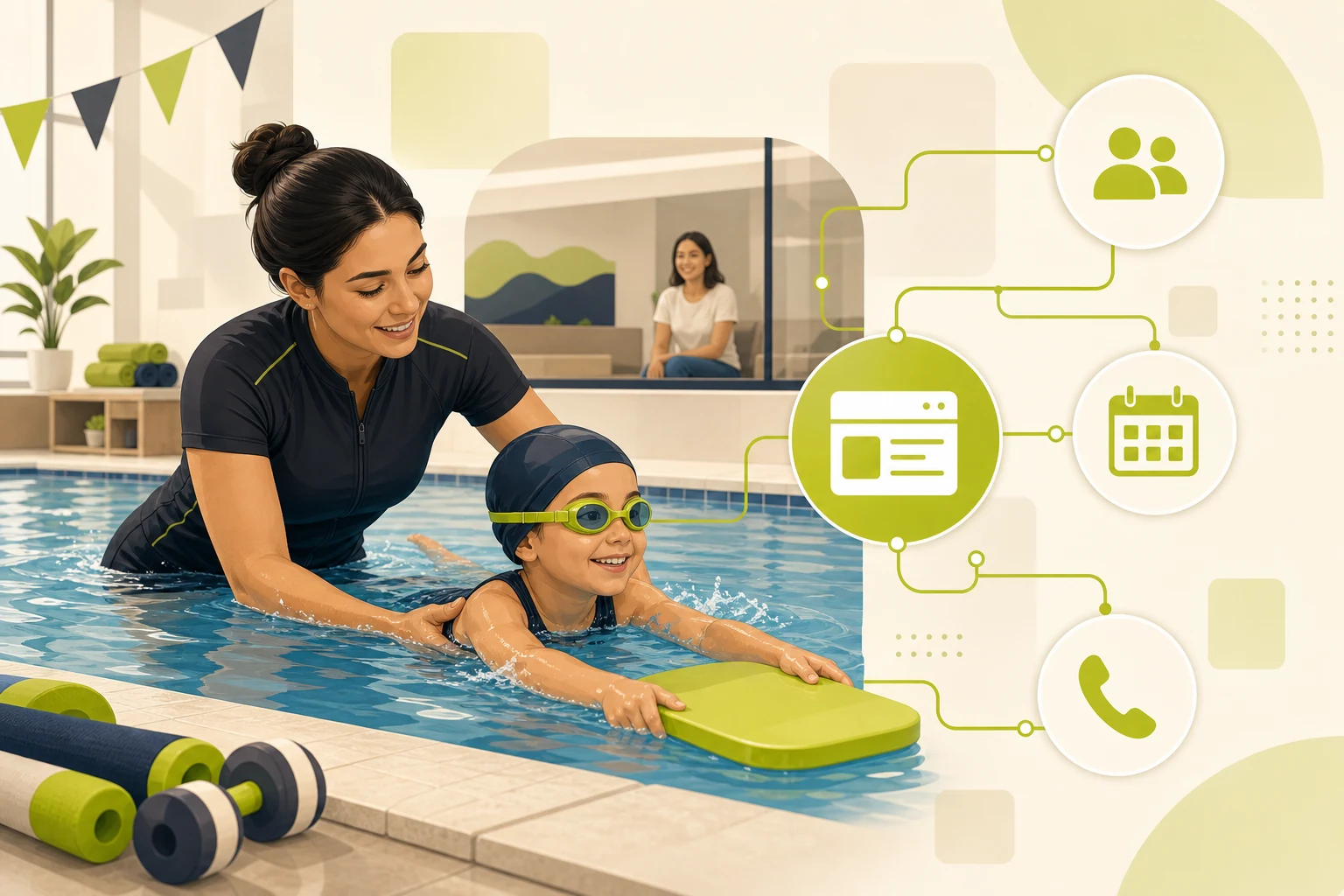
- Parent watching from a viewing area — this one frame answers the most common site-visit question without text
If you are launching without a photo library yet, placeholder blocks that signal "real photo goes here" are better than stock. They give you a clear reason to refresh once you have the shots.
How should a swim school website handle the schedule?
The schedule page is where most independent school websites lose parents who are ready to enroll.
The strongest pattern: an interactive class finder where a parent inputs their child's age and preferred day, and the site returns matching classes. It reduces basic scheduling calls that consume front-desk time without advancing enrollment.
Minimum viable schedule page if a finder is out of reach:
- Sessions organized by age group (not by time of day)
- Days and times visible without clicking through
- A clear enrollment path at the bottom of each session block
If you offer year-round enrollment, say so prominently here. Many families have been burned by summer-only schools and are specifically searching for a year-round option. Stating it clearly answers a question that would otherwise require a phone call.
What belongs in a swim school website FAQ?
An FAQ is table stakes for this category. Parents arrive with high-anxiety questions about water safety, child readiness, and what happens if their child cries. If those questions are not answered on your website, they go unanswered until a phone call — and some parents never make the call.
The eight FAQ questions that cover the most enrollment-decision ground:
- What age can my child start swim lessons? (Most schools: 6 months with a parent, 3 years solo)
- What is your instructor-to-student ratio? (Best practice: 1:4 or fewer for young children)
- My child is afraid of the water. Can you still help them? (Empathy-first answer; this is a common first-lesson anxiety)
- What happens if my child misses a class? (Make-up policy; many parents cite this as a deciding factor)
- Do you offer year-round lessons? (If yes, state it here explicitly)
- What certifications do your instructors hold? (Name the specific certs: ISR, ARC, USSSA, CPR)
- How long does it take to learn to swim? (Set realistic expectations; do not overpromise)
- How do I enroll? (Soft conversion: makes the FAQ a conversion page, not just an information page)
The FAQ-as-conversion-tool works across fitness categories. See how pilates studio websites use the same pattern.
How does GrowLocal build a swim school website?
GrowLocal builds custom websites for swim schools with this checklist already built into the structure: age-group program pages, credential badge placement near the CTA, real-photography galleries, FAQ section, contact form, and mobile-first enrollment flow. You preview before paying, request revisions, and launch when it feels right.
GrowLocal sites include quote forms, manually-entered testimonials, galleries, FAQ sections, service pages, and mobile-fast static hosting with SEO fundamentals. GrowLocal does not offer online booking, live reviews integration, or payments — those connect through your existing scheduling software.
Frequently Asked Questions About Swim School Websites
What should a swim school website include?
A swim school website needs a homepage with "Enroll Now" CTA, programs organized by age group, credential badges (USSSA, ISR, ARC, USA Swimming), real photography, a schedule or class finder, a FAQ section, and phone number in the header. Six core pages is the minimum; age-group service sub-pages expand your search footprint significantly.
How important is real photography for a swim school website?
It is the single most impactful trust element in this category. Across GrowLocal's proprietary local-business website research (N=237 sites, 28 categories), every top-performing independent swim school uses real photos — no stock imagery. Parents making a safety decision about a young child respond to evidence that your pool, your instructors, and your environment are real and specific.
Should a swim school website show pricing?
Either approach — show pricing or hide it — can work. What matters more is offering a free evaluation or trial class prominently. Across our analysis of top-ranking swim school websites, the free introductory evaluation is the highest-converting lead-generation offer in the category. If you hide pricing, the free eval replaces "call for pricing" as the next step.
Do I need a website for my swim school or will social media work?
Social media builds awareness; a website converts it into enrollment. A parent who finds you on Instagram will search your name before calling. A weak website — no schedule, no credentials, no CTA — loses that enrollment to a competitor who has those answers ready. Social media and a website serve different jobs.
Does GrowLocal build websites for swim schools?
Yes. GrowLocal builds done-for-you swim school websites with the category structure already planned: age-group pages, credential placement, real-photography galleries, FAQ, and mobile-first enrollment flow. You preview before you pay, request revisions, and launch when it is right. Pricing is subscription-based — no large upfront cost.