


Updated June 2026
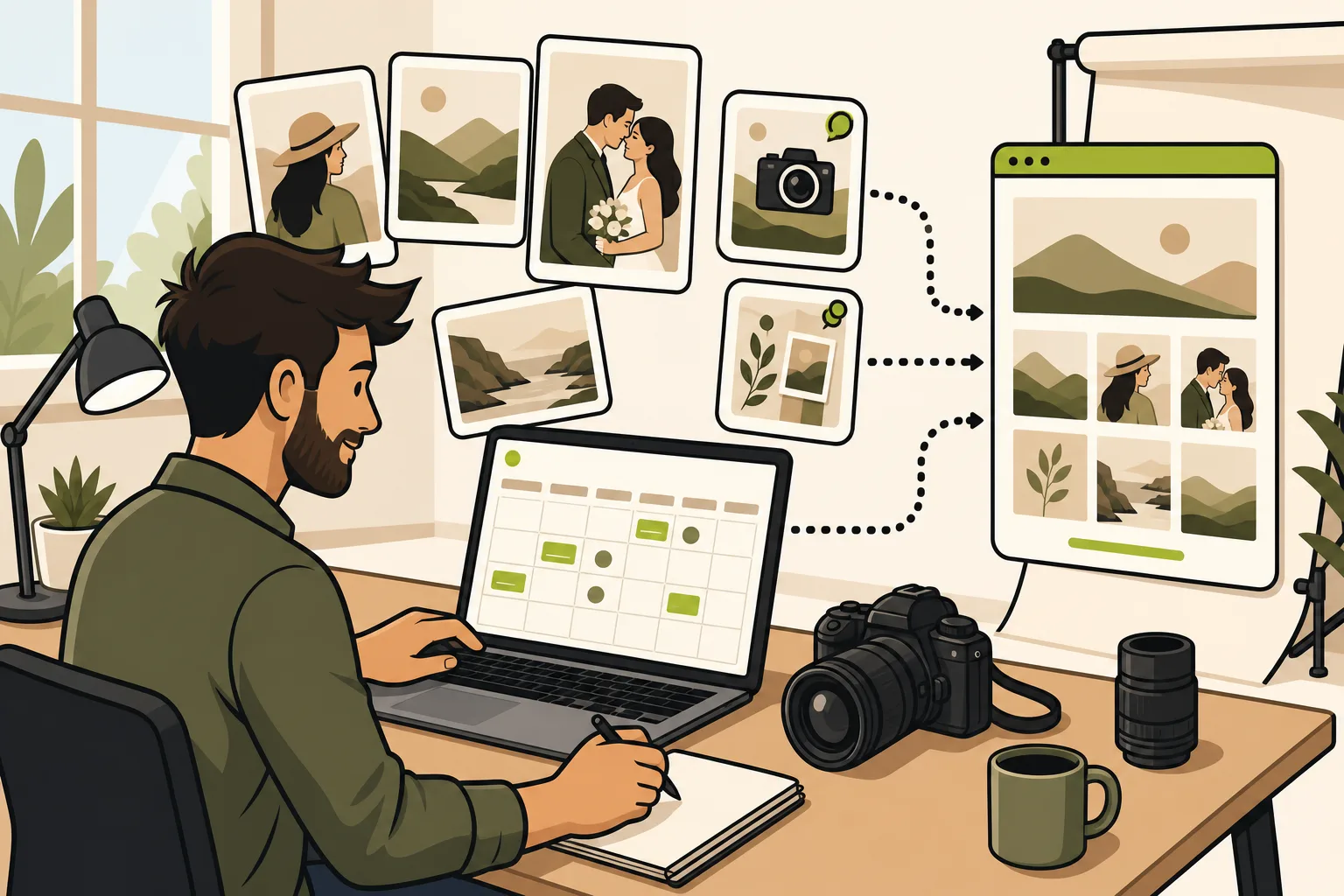
Social media marketing for photographers works best when your portfolio does the posting — not you. Schedule your best shots to Instagram, Pinterest, and Facebook with AI-written captions that match your shooting style and niche, freeing the hours you'd burn on feed management for actual sessions. Based on GrowLocal's proprietary research into top-ranking local business websites.
The photographers booked out months ahead aren't posting more than everyone else. They've built a system where the work that already exists keeps running on social — while they're on a shoot.
Why do photographers lose so many bookings to social media inaction?
The answer isn't effort — it's timing. A family portrait session wraps Saturday. Edited images go to the client Friday. By the time you post anything to Instagram, a competitor's gallery from the same weekend has already moved through the feed twice. That delay isn't laziness — editing, client communication, and the next inquiry chain fill every productive hour between jobs.
The portfolio already contains everything a booking decision requires. A prospective bride doesn't want a caption that says "So grateful for this couple!" She wants to see your light at golden hour, your reception dance-floor energy, and a path to check availability. The image delivers all of that. The caption and the link to your photography website close the loop.
What most photographers lack isn't content. It's a publishing cadence that doesn't depend on remembering to post between jobs.
What platforms actually convert photography clients into bookings?
Not all social channels return the same value for photographers. Here's where the time goes versus where the bookings come from:
| Platform | Why It Works for Photographers | Best Content Type |
|---|---|---|
| Still the primary portfolio check before any inquiry | Portfolio images, behind-the-scenes Reels, session reveals | |
| Visual search engine — pins drive traffic for months, not hours | Styled images with venue/location keywords, blog-linked pins | |
| Referral amplification — shares reach planners, family groups | Albums, testimonial posts, availability announcements | |
| Headshot and branding photographer primary channel | Corporate client work, B2B positioning | |
| TikTok/Reels | Discovery for younger clients; fast-follows convert slowly | BTS editing, pose guides, before/after |
Across our proprietary local-business website research — covering top-ranked independent businesses in Austin, Denver, Phoenix, Charlotte, Nashville, and Tampa — Instagram feed integration was concentrated in creative services like photography and beauty. Instagram feed embeds and social links appeared across nearly every photography site analyzed — it's the expected credibility signal for the category, not a nice-to-have. A photographer without an active Instagram presence is invisible to clients who check socials before clicking a website.
How much time should photographers spend on social media each week?
The industry answer — "as much as it takes" — is the answer that burns studios out. A realistic breakdown for a solo photographer doing five to eight sessions per month:
- Caption writing per post: 15–25 minutes (longer when matching brand voice, shorter when copying a template)
- Hashtag and location research: 10–15 minutes per batch
- Scheduling across platforms: 10–20 minutes per week
- Responding to comments and DMs: 30–60 minutes weekly minimum
That's three to five hours a week on content that isn't shooting, editing, or client communication — a significant opportunity cost when the work to post already exists in Lightroom.
Key takeaway: In our proprietary local-business website research, photography was one of 14 categories where 100% of analyzed competitors hid pricing entirely — routing every visitor to an inquiry form. That means the social post's job isn't to quote rates. It's to generate one action: tap the link in bio and inquire. The simpler the caption's goal, the less time it needs to take. (See our full local business website data.)
GrowLocalSee a finished Photographers site — built free, no cardWe build it first. You only pay if you launch it — Starts at $5/mo.See Photographers sites we've built
Does AI caption writing actually sound like a photographer — or generic?
Generic AI content fails photographers because it strips out the specificity that makes bookings happen. "Beautiful light at golden hour" could describe anyone's work. "Cathedral light pouring through the loft windows at the venue — bride's laughter unscripted" converts because it makes a future client picture her own session.
AI that works for photographers is grounded in two things: your portfolio niche and category-level industry research. When a system knows you specialize in newborn and maternity work in Phoenix, it writes captions about studio ambient light and family milestone framing. When it knows you do documentary wedding work in Denver, it writes about venue light, candid reception energy, and mountain elopements.
GrowLocal's AI caption writing is built on exactly that grounding — your business category and niche, not filler — but it belongs to a separate back-office service that hasn't opened to customers yet and is not part of the website subscription. Social platforms now rank content on keyword relevance in captions, not just hashtags, so specificity matters wherever you draft.
Until that service opens, the practical setup is a standalone scheduler for the queue and your GrowLocal website as the place every caption points — $0 to build and preview, then hosting from $5/month when you launch.
Which social channels should photographers actually prioritize?
For most photographers, Instagram and Pinterest return the highest booking-to-time ratio. Here's why the second one surprises people:
A Pinterest pin from a styled wedding shoot can drive traffic to your inquiry form for two or three years. An Instagram post from the same shoot is largely invisible after 48 hours. For photographers who invest in sessions with strong visual potential — luxury weddings, maternity, high-end branding — Pinterest is the long-tail channel competitors consistently underuse.
Across our analysis of top-ranking local business websites, a gallery section was among the most common non-homepage section types in portfolio-based trades. Gallery presence was documented across virtually every photography site analyzed — the visual archive is the conversion engine, not the contact form. Social extends that archive into a live discovery feed.
The practical priority for photographers:
- Start with Instagram — required for credibility in the category
- Add Pinterest — best ROI for search-driven traffic over time
- Automate Facebook — share Instagram posts automatically; don't manage separately
- Add LinkedIn if headshot or corporate work is more than 20% of your revenue
See a realistic posting schedule for local businesses for a platform-by-platform cadence guide.
What should photographers post — and how often?
The mistake most photographers make is treating every post as a portfolio review. The content mix that converts includes:
- Portfolio highlights (your best 3–5 images from a recent session, not all 30)
- Behind-the-scenes (posing guidance, lighting setup, client reactions — these humanize the booking decision)
- Session reveals (before/after editing, client reaction video — highest engagement in the category)
- Social proof (named testimonials, review snippets, vendor thank-yous)
- Availability signals ("Now booking fall family mini-sessions in Phoenix" posts filled spots faster than any other content format observed across the photography sites we analyzed)
Posting frequency matters less than consistency. Three posts per week on Instagram, two pins per day on Pinterest, and weekly Facebook reposts is a sustainable baseline for a solo studio. AI-written captions make that cadence achievable without adding hours to a schedule already running at capacity.
See our breakdown of social media management pricing in 2026 for what full-service management actually costs.
How does a photography website work alongside social media?
The website is the close — social is the introduction. The traffic path: Instagram profile → portfolio highlights → link in bio → portfolio page → "Check Availability" inquiry form. Pinterest has the same architecture, with pins linking back to gallery pages or blog posts that route to the inquiry form.
A photography website that converts has a few things social alone can't provide: a gallery split by session type (weddings / family / headshots), named testimonials, an inquiry form that captures event date and session type, and a fast-loading mobile experience that doesn't break when a client views it between venue comparisons.
GrowLocal builds photography websites with galleries, inquiry forms, service pages, and testimonial sections designed for how clients actually make booking decisions. See what the photography website platform includes — you handle the shoots, we build and host the site your captions point to.
For the AI vs. done-for-you comparison, see AI social post generators vs. done-for-you posting.
Frequently Asked Questions
How often should a photographer post on Instagram?
Three to four times per week is the practical baseline for a solo photographer. Consistency outperforms frequency — an account posting three times weekly beats one posting daily for two weeks, then going silent for a month.
Does social media alone generate enough bookings for photographers?
Social generates discovery; the website closes the booking. In our analysis of top-ranking photography sites across Denver, Phoenix, and Tampa, every competitor used an inquiry form as the primary conversion action. Social without a website to land on loses most of its conversion value.
Is Pinterest worth it for photographers?
Yes — especially for wedding, maternity, and portrait photographers. Pinterest is a visual search engine where a single pin can drive inquiry traffic for one to three years after posting. It rewards SEO-optimized pin titles ("Phoenix maternity photographer — outdoor golden hour") more than hashtag volume.
What does a GrowLocal photography website cost?
Building and previewing the site costs nothing — you see the finished site before you decide anything. Hosting starts at $5/month when you launch, and your exact rate depends mostly on the working features in the finished site (the published band is $5–$14/month). Social posting is a separate service that isn't publicly available yet, so it is not part of that price.
Do I need a social media agency to market my photography business?
Not if your goal is consistent portfolio posting with on-brand captions. Agencies add value for paid ad management, but the core job — publishing your portfolio to the right platforms on a schedule — is something an integrated website-plus-social platform handles at a fraction of the cost.
How does AI write captions that sound like my brand?
Effective AI caption writing is grounded in two inputs: your shooting niche (weddings vs. families vs. headshots vs. branding) and category-level industry research into what prospective clients respond to. Niche-specific captions that name session types, locations, and emotional outcomes — and end with a clear action — convert. Generic ones don't.
What's the biggest mistake photographers make on social media?
Treating each post as a portfolio piece rather than a step in a booking journey. Every caption needs one job: drive an inquiry. Across our proprietary research, photographers' online presence was concentrated in visual social channels more than nearly any other category — which means posts without a clear call to action disappear without converting anyone.